
從 3DCG 到 3D 列印。 使用 Shade 3D 製作軟體,讓 3D 創作最大化。 Shade3D 製作如照片般逼真的 3D 圖片和動畫,從 3D 立體動畫流行開始,許多資料建立與設計開始累積,而且更廣泛的應用到 3D 列印技術。 並且應用產業幅員遼闊,如汽車,建築,遊戲,動畫、室內設計,產品,廣告插圖……等等,並充分利用了 3D 模型製作和各種實際形狀的 3D 列印。軟體介紹
Shade3D 15 for Mac
來自日本的 3D 繪圖軟體,如果熟悉向量繪圖軟體,那麼 Shade 3D 可以讓我們更快速地踏入 3D 的世界。
授權性質:試用
使用限制:三十天試用
介面語言:英文
作業系統:macOS
點閱次數:7,104
下載次數:821
檔案大小:195.31 MB
更新時間:2015/6/16 下午3:19:19
官方網站: Shade3D
軟體簡介
其他版本軟體 / 作業系統
詳細說明介紹
燈光特效
五種新的燈光特效
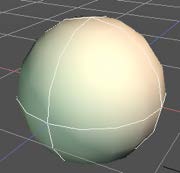
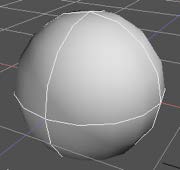
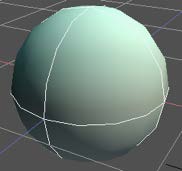
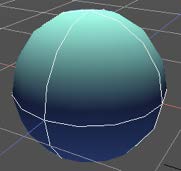
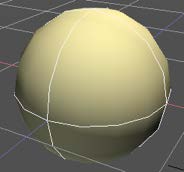
 高畫質螢幕支援
Mac OS X Retina display
High-Resolution Windows PC Notebook
4K monitors
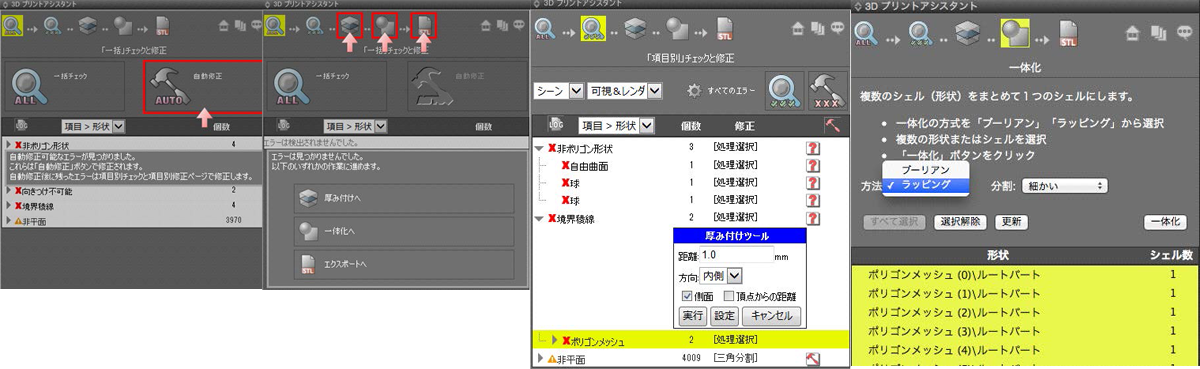
 進階 3D 列印支援
3D 列印支援
製程更新
 表面材質
表面材質
表面材質貼附

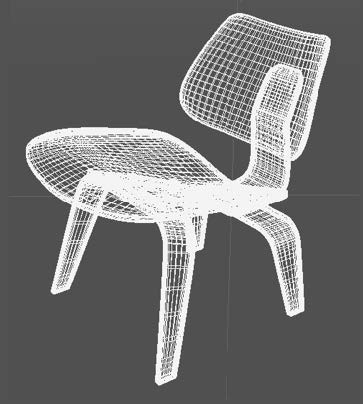
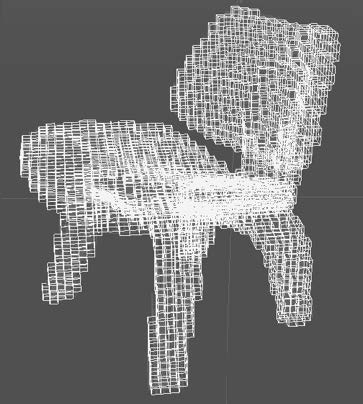
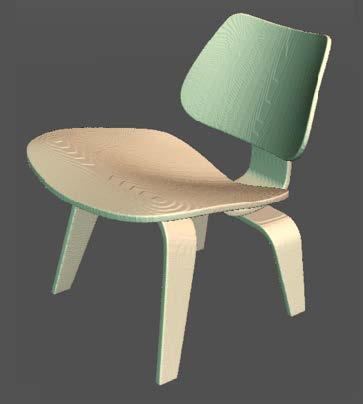
表面材質完成圖
使用 內建特效 你即刻可以感受到 Shade ver.15 的 最新表面材質技術. 以下案例, 你可以看到使用 polygonal wrapping 前後,多邊曲面的差異: 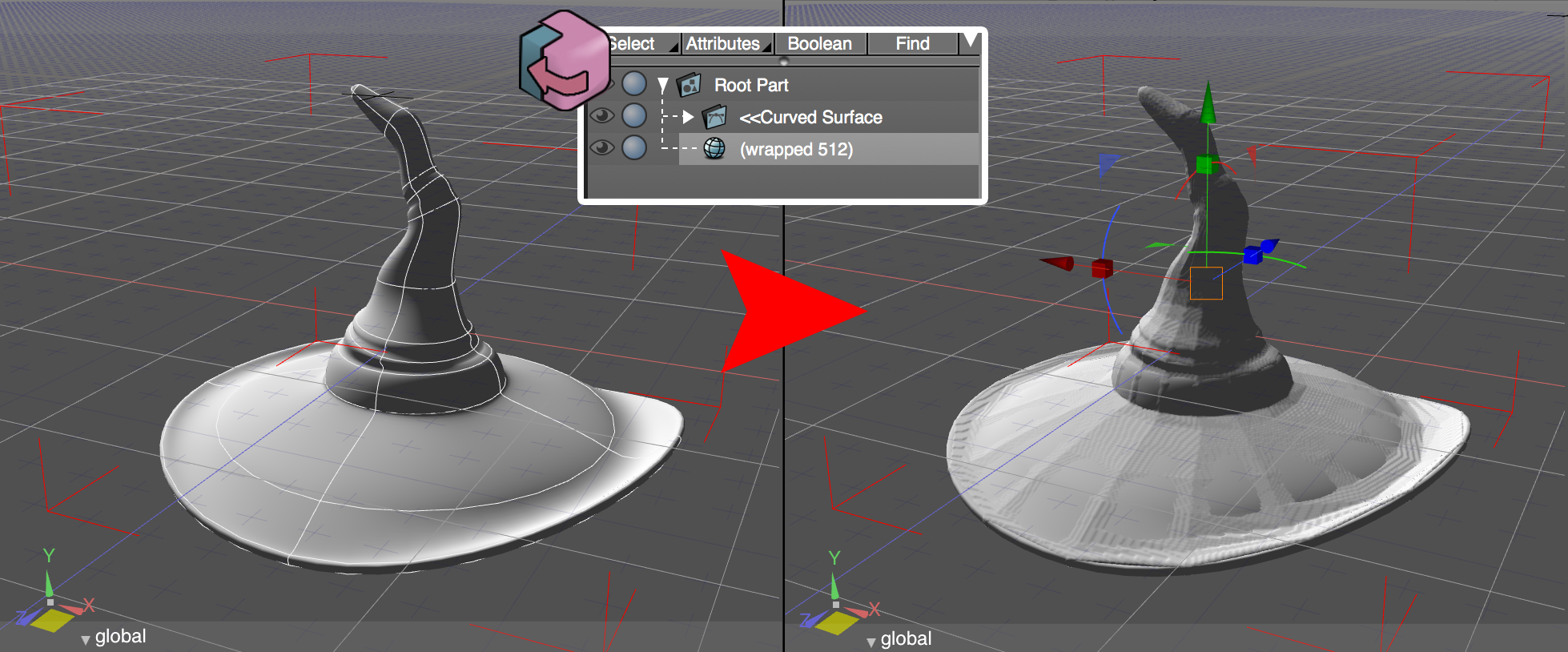
新的表面材質特效可以覆蓋表面缺陷: 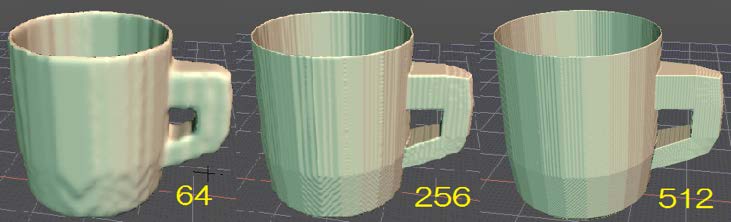
 消除鋸齒或者鋸齒化
小方塊將取代原先的光滑表面.
以下範例中, 右下方的圖片, 你會看到鋸齒化後的效果以及 Shade 的 Toon Rendering.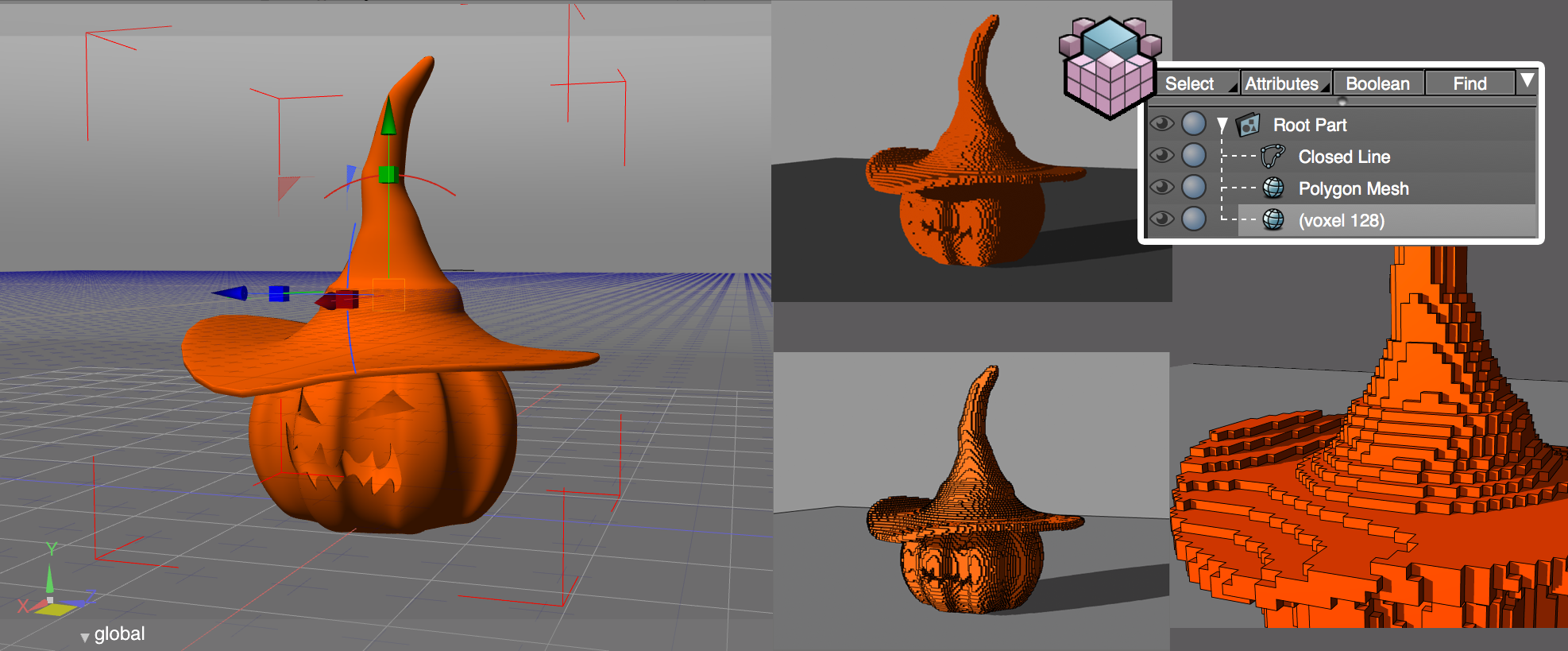
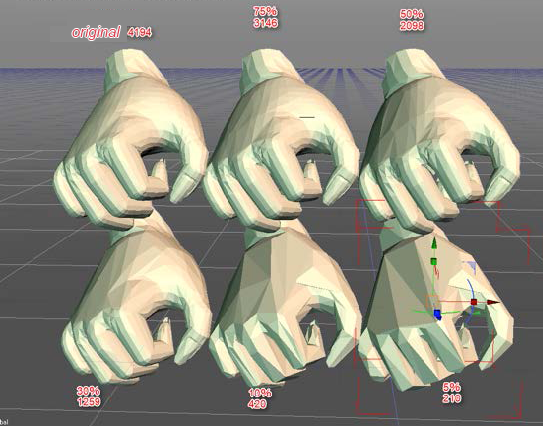
 Polygon 降低
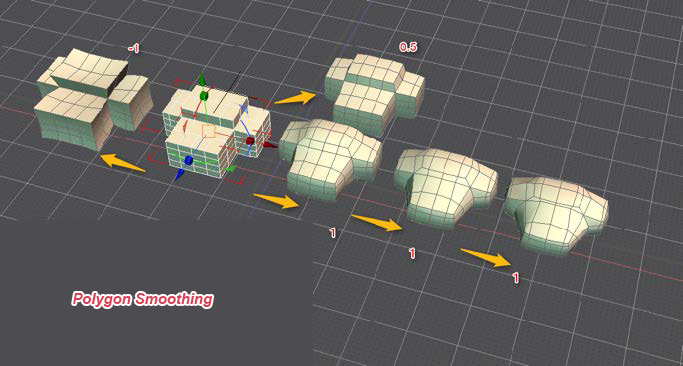
 Polygon 平滑化
 延伸 Polygon 編輯功能
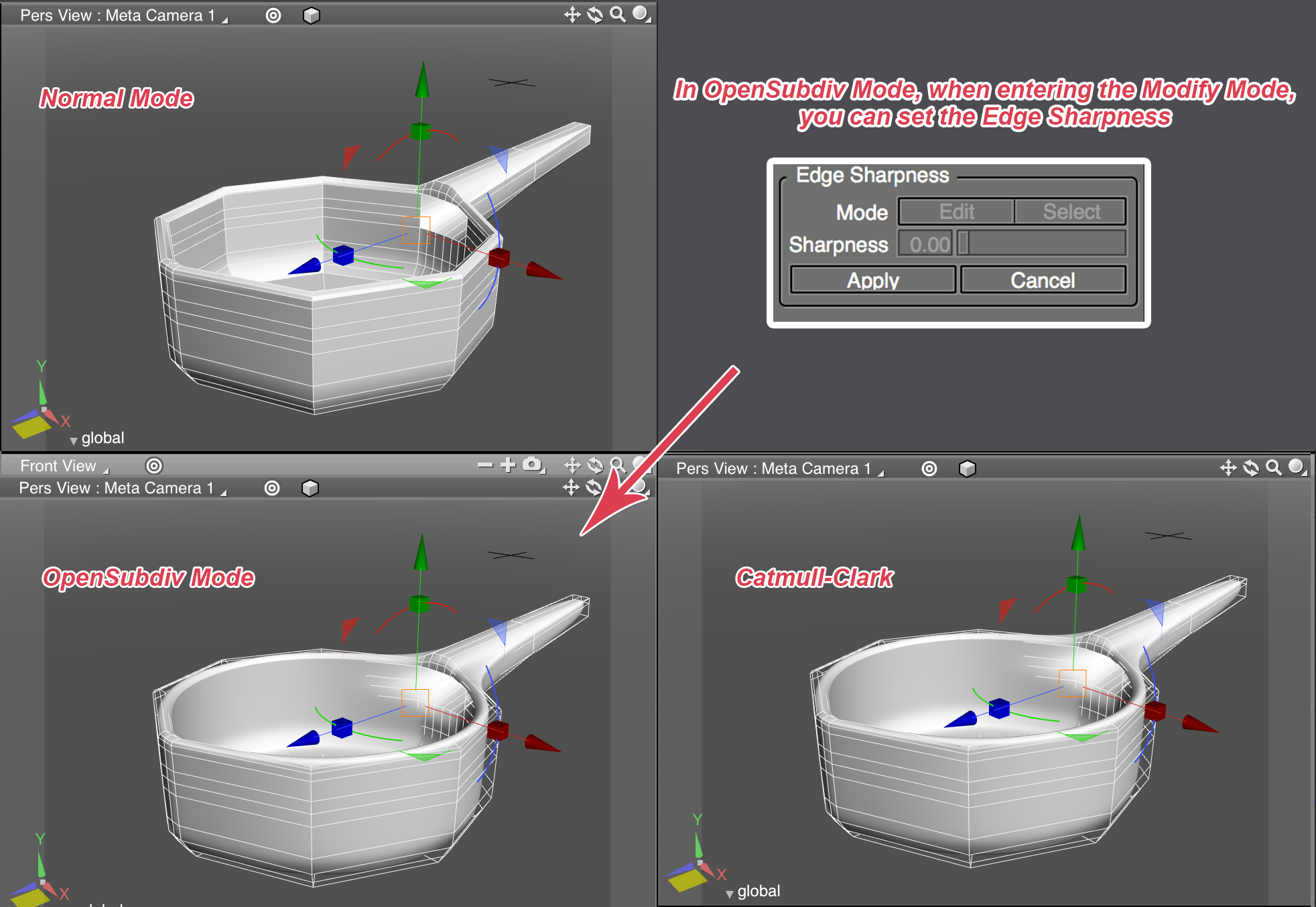
OpenSubdiv
 Selection Tools (選取工具)
擴大和縮小選取
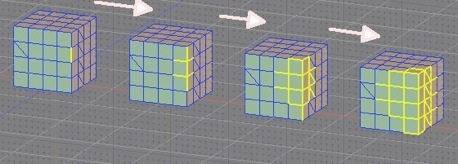
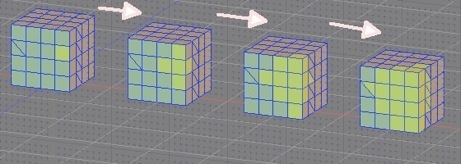
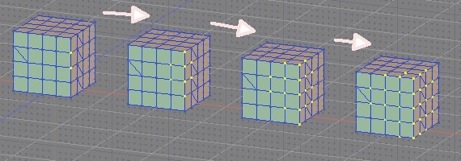
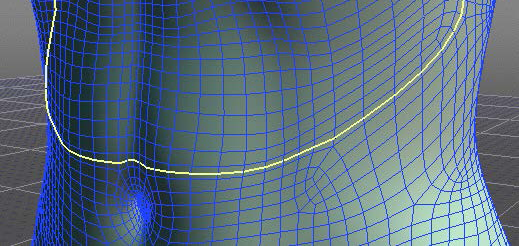
 Ring Selection (環狀選取)
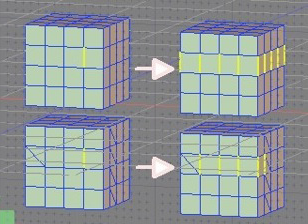
 Select Inside Area (內部區域選取)
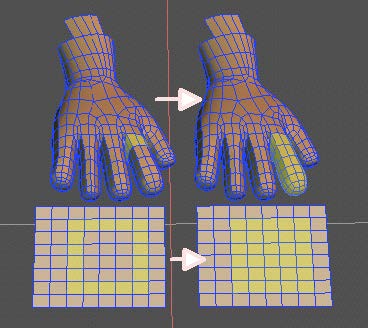
Detect Tools
Concave Faces
Negative Curvature Vertices
Small Elements
Planar Faces
Merge/Remove Tools (合併 / 移除 工具)
Remove/Remove and Clean
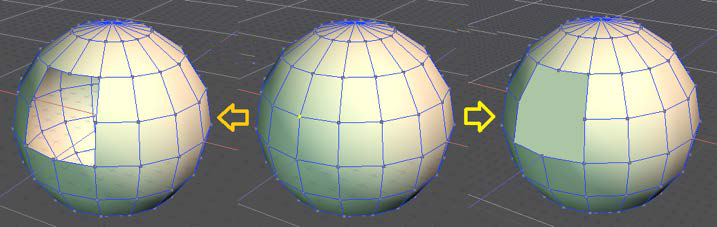
Cleanup Vertices

 Edge Collapse
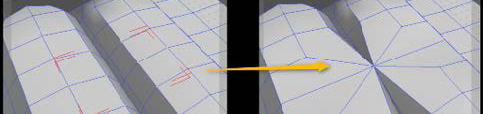
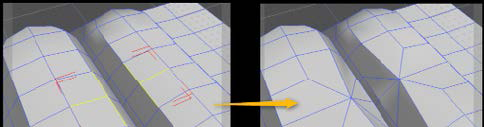
Subdivide/ Loop Slice
Subdivide Tools are now available in the edge mode as well (as the vertex mode).
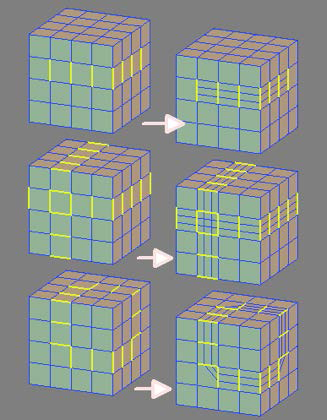
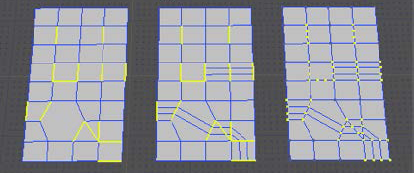
More Realtime Interaction!
其他
新功能與其他更新功能
使用 ShadeExplorer 同步目錄

演算速度加快 (UP to 5~10%)

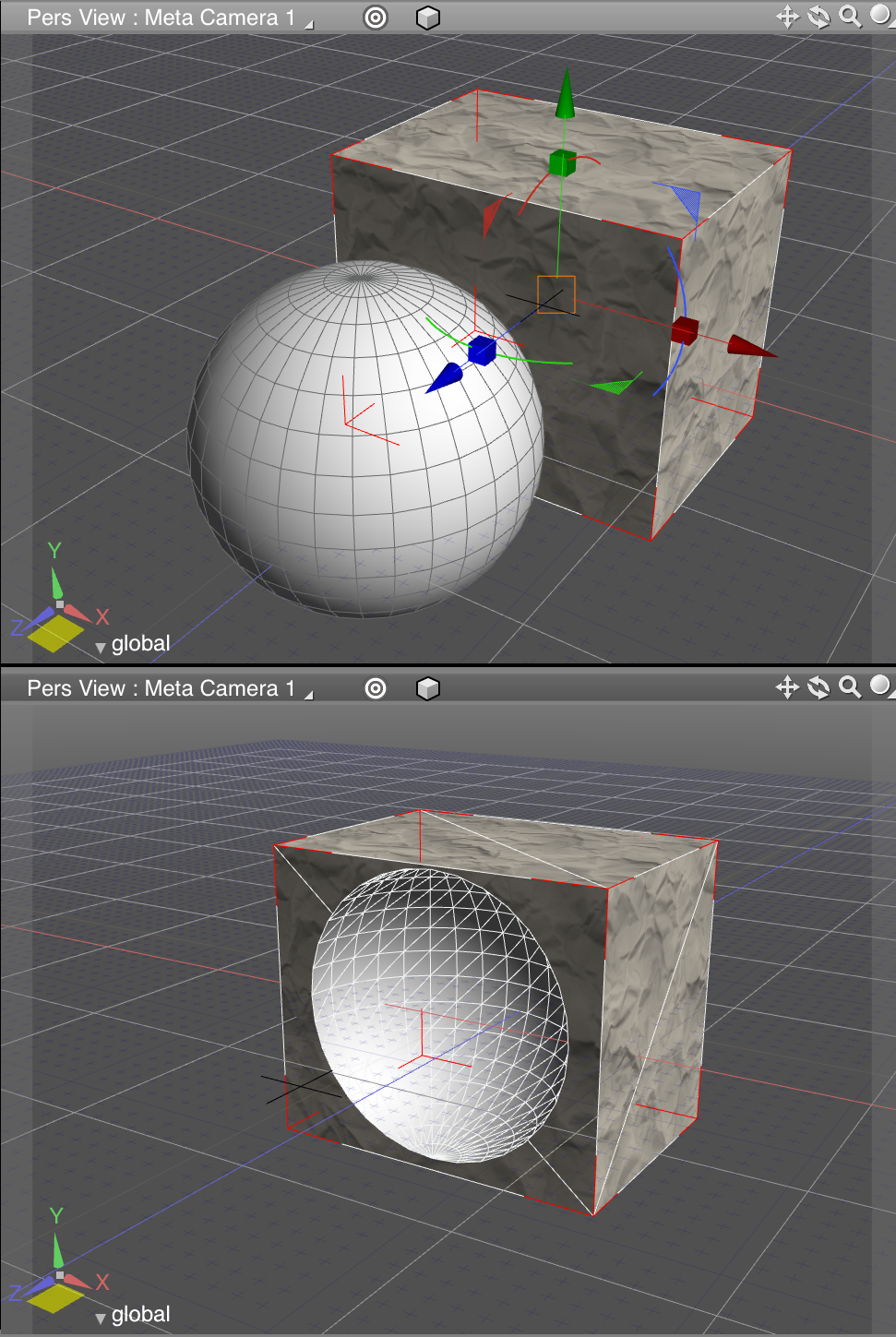
經由布林運算,保存較好的表面材質設定
系統需求
Windows 32/64 bit
- Windows 7, 8, 8.1 (64-bit OS required for 64-bit installation)
- Windows 32 Bit: Intel® Core™ 2 Duo, AMD Athlon II or newer (CPU with SSE2 support required)
- Windows 64 Bit: Intel® Core™ 2 Duo, AMD Athlon 64 X2 or newer (CPU with SSE3 support required)
- 32 Bit: 2 GB (4 GB recommended)
- 64 Bit: 4 GB (8 GB recommended)
- 5 GB free hard drive space
- DVD-ROM drive (if installing from DVD), Internet connection environment
- 1,024 x 768 resolution monitor with 24-bit color (1280 x 1024 or higher recommended)
- NVIDIA® GeForce® 400 series or higher, NVIDIA® Quadro® FX or higher is recommended, AMD Radeon™ HD 5000 or higher, Intel HD Graphics 2nd Generation or higher, Intel HD Graphics 3rd Generation or higher is recommended
- 3D Stereo Display: NVIDIA® 3D Vision™, Polarized 3D monitor
- OpenGL 3.2 or higher is recommended
* Shade 3D ver.15 is not officially support on XP and Vista platform
* NVIDIA® 3D Vision™ or NVIDIA® 3D Vision Pro™ requires OpenGL 3.2 compatible Quadro graphics card
Mac OS X Intel 64-bit
- Mac OS X 10.8/10.9/10.10 (Intel only)
- 64 Bit: Intel® Core™ 2 Duo or newer
- 64 Bit: 2 GB (4 GB recommended)
- 5 GB free hard drive space
- DVD-ROM drive (if installing from DVD), Internet connection environment
- 1,024 x 768 resolution monitor with 24-bit color (1280 x 1024 or higher recommended)
- Mac mini Early 2009 or newer, iMac Mid 2007 or newer, MacBook Air Late 2010 or newer, MacBook Aluminum / MacBook Pro Late 2008 or newer, Mac Pro Early 2008 or newer
- NVIDIA® GeForce® series or higher is recommended, AMD RADEON™ HD series or later, Intel HD 3000 or higher
- 3D Stereo Display: Polarized 3D monitor
- OpenGL 3.2 or higher is recommended
* Shade 3D ver.15 is not available on Mac OS X 10.7 platform
* Shade 3D ver.15 is available on 64-bit only
* Polarized 3D monitor requires OpenGL 3.2 or higher graphics card
* PoserFusion supports Poser 6/7/8/9/10, Poser Pro 2010/2012/2014 (Windows / Mac OS X)
試用說明:
下載時,會引導回中文官網之下載頁。請選擇欲試用的版本並填妥聯絡資訊,官方會以 email 的方式寄出下載連結以及註冊檔之下載連結。
各版本比較:
如果您覺得此軟體符合您的需求,請點擊下方按鈕前往下載頁面。
立即進入下載頁面軟體截圖參考
該公司的其他軟體
資料讀取中...